Logo
QRSBN QR Code Standard Book Number
All News | Tips 01 Nov 2026, 06:17 2x views

Cara Mengecek Keaslian Buku dengan QRSBN dalam Hitungan Detik

Pindai QR Code QRSBN atau ketik nomornya di qrsbn.org untuk melihat data resmi buku, lalu cocokkan dengan buku di tangan Anda. Panduan ini menjelaskan langkahnya dan apa yang perlu dilakukan bila data tidak cocok.

Buku bajakan, cetakan ulang tanpa izin, dan terbitan tanpa identitas yang jelas masih mudah ditemukan, baik di toko fisik maupun di lapak daring. Bagi pembaca, perpustakaan, sekolah, dan toko buku, memastikan sebuah buku benar-benar diterbitkan oleh penerbit yang sah bukan hal sepele. QRSBN (QR Code Standard Book Number) dirancang untuk membantu pengecekan ini. Setiap buku yang telah tervalidasi memiliki nomor QRSBN dan QR Code, dan siapa pun yang memindainya dapat melihat data resmi buku tersebut dalam hitungan detik.

Artikel ini menjelaskan cara mengecek keaslian buku dengan QRSBN, cara membaca nomornya, dan langkah yang sebaiknya Anda ambil bila data yang muncul tidak sesuai.

Apa yang dimaksud dengan QRSBN pada buku?

QRSBN adalah nomor identitas buku yang dilengkapi QR Code. Penerbit mencantumkannya pada buku, biasanya di sampul belakang atau di halaman hak cipta. Ketika dipindai, QR Code tersebut mengarah ke halaman data publik buku di qrsbn.org. Di sana tercantum data resmi yang didaftarkan oleh penerbit, yaitu:

  • judul buku;
  • nama penulis;
  • nama penerbit;
  • tahun terbit;
  • nomor QRSBN.

Karena setiap buku tervalidasi memiliki halaman datanya sendiri, Anda dapat membandingkan informasi di layar dengan buku yang sedang Anda pegang.

Cara membaca nomor QRSBN

Nomor QRSBN tersusun dari empat bagian yang dipisahkan tanda hubung, dengan pola seperti 62-XXXX-XXXXX-X:

  1. Kode negara penerbit. Mengikuti kode telepon internasional, misalnya 62 untuk Indonesia dan 60 untuk Malaysia.
  2. Kode penerbit. Empat digit yang menunjukkan penerbit buku.
  3. Nomor urut buku. Urutan buku di antara terbitan penerbit tersebut.
  4. Digit akhir. Satu digit penutup nomor.

Dengan memahami pola ini, Anda bisa lebih teliti saat mengetik nomor secara manual dan lebih mudah menyadari bila ada nomor yang tampak janggal.

Tiga cara mengecek keaslian buku

1. Pindai dengan kamera ponsel

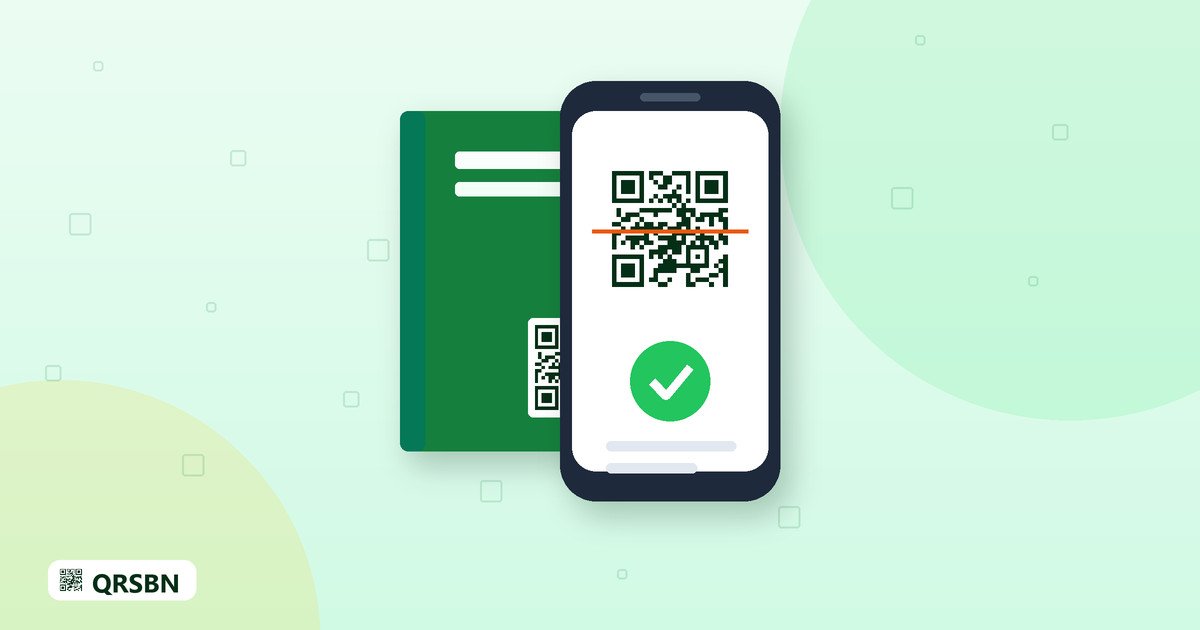
Cara tercepat adalah membuka aplikasi kamera bawaan ponsel, lalu mengarahkannya ke QR Code QRSBN pada buku. Sebagian besar ponsel akan menampilkan tautan yang mengarah ke halaman data buku. Ketuk tautan tersebut untuk membukanya.

2. Gunakan halaman Scan QR di qrsbn.org

Buka qrsbn.org lalu pilih halaman Scan QR. Izinkan akses kamera, kemudian arahkan kamera ke QR Code. Bila kamera tidak tersedia atau QR Code sulit terbaca, misalnya karena cetakan rusak, Anda dapat mengetik nomor QRSBN secara manual di halaman yang sama.

3. Cari lewat halaman Pencarian

Halaman Pencarian memungkinkan Anda mencari buku berdasarkan judul, nama penulis, nama penerbit, atau nomor QRSBN. Cara ini berguna bila Anda hanya mengetahui sebagian informasi, atau ingin melihat terbitan lain dari penerbit yang sama.

Cocokkan data dengan buku di tangan Anda

Setelah halaman data buku terbuka, periksa beberapa hal berikut:

  • Apakah judul dan nama penulis sama persis dengan yang tercetak di buku?
  • Apakah nama penerbit sesuai dengan yang tertera di sampul dan halaman hak cipta?
  • Apakah tahun terbit sesuai?
  • Apakah nomor QRSBN di layar sama dengan nomor yang tercetak di buku?

Bila semuanya cocok, Anda memiliki dasar yang kuat bahwa buku tersebut terdaftar oleh penerbitnya.

Bila data tidak ditemukan atau berbeda

Jangan langsung menyimpulkan bahwa buku itu palsu. Lakukan langkah berikut secara berurutan:

  1. Periksa kembali penulisan nomor. Kesalahan satu digit sudah cukup membuat data tidak ditemukan.
  2. Coba cari dengan judul atau nama penulis di halaman Pencarian.
  3. Hubungi penerbit buku untuk menanyakan status pendaftarannya.
  4. Bila tetap ragu, laporkan kepada tim QRSBN melalui info@qrsbn.org dengan menyertakan judul buku, nomor yang tercetak, dan foto sampul atau halaman hak cipta.

Siapa yang sebaiknya membiasakan pengecekan ini?

  • Pembaca, sebelum membeli buku dari penjual yang belum dikenal.
  • Perpustakaan dan sekolah, saat menerima pengadaan atau sumbangan buku.
  • Toko buku dan reseller, ketika menerima stok dari pemasok baru.
  • Penulis, untuk memastikan data karyanya tampil dengan benar.
Tips: simpan foto QR Code dan halaman hak cipta sebelum membeli dalam jumlah besar, misalnya untuk pengadaan perpustakaan, agar pengecekan dan pelaporan lebih mudah.

Pertanyaan yang sering diajukan

Apakah saya perlu memasang aplikasi khusus?

Tidak. Kamera ponsel biasa atau halaman Scan QR di qrsbn.org sudah cukup. Anda juga bisa mengetik nomor QRSBN secara manual.

Apakah saya harus memiliki akun untuk mengecek buku?

Pengecekan ditujukan untuk siapa saja yang ingin memastikan data buku. Cukup buka halaman Scan QR atau Pencarian.

Situsnya tampil dalam bahasa yang tidak saya kuasai. Bagaimana menggantinya?

qrsbn.org tersedia dalam bahasa Indonesia dan Inggris. Bahasa dipilih otomatis, dan Anda dapat menggantinya melalui ikon bola dunia.

Penutup

Mengecek keaslian buku dengan QRSBN hanya membutuhkan satu pindaian atau beberapa ketukan. Kebiasaan sederhana ini membantu pembaca mendapatkan buku yang sah dan membantu penerbit menjaga karyanya. Kunjungi qrsbn.org untuk mencoba halaman Scan QR, dan hubungi info@qrsbn.org bila Anda menemukan data yang meragukan.
English Translation

How to Verify a Book's Authenticity with QRSBN in Seconds

Scan the QRSBN QR Code or type its number on qrsbn.org to see the book's official data, then compare it with the copy in your hands. This guide explains the steps and what to do if the data does not match.

Pirated books, unauthorised reprints and publications without a clear identity are still easy to find, both in physical shops and in online stores. For readers, libraries, schools and bookstores, making sure a book was genuinely published by a legitimate publisher is not a minor matter. QRSBN (QR Code Standard Book Number) is designed to help with this check. Every validated book has a QRSBN number and a QR Code, and anyone who scans it can see the book's official data within seconds.

This article explains how to verify a book with QRSBN, how to read its number, and what you should do if the data that appears does not match.

What does QRSBN on a book mean?

QRSBN is a book identification number that comes with a QR Code. The publisher prints it on the book, usually on the back cover or the copyright page. When scanned, the QR Code leads to the book's public data page on qrsbn.org. That page shows the official data registered by the publisher, namely:

  • the book title;
  • the author's name;
  • the publisher's name;
  • the year of publication;
  • the QRSBN number.

Because every validated book has its own data page, you can compare the information on screen with the book you are holding.

How to read a QRSBN number

A QRSBN number consists of four parts separated by hyphens, following a pattern such as 62-XXXX-XXXXX-X:

  1. Publisher country code. It follows the international dialling code, for example 62 for Indonesia and 60 for Malaysia.
  2. Publisher code. Four digits that identify the publisher.
  3. Book sequence number. The book's position among that publisher's titles.
  4. Final digit. A single digit that closes the number.

Knowing this pattern helps you type the number carefully when entering it by hand, and makes it easier to notice a number that looks odd.

Three ways to verify a book

1. Scan with your phone camera

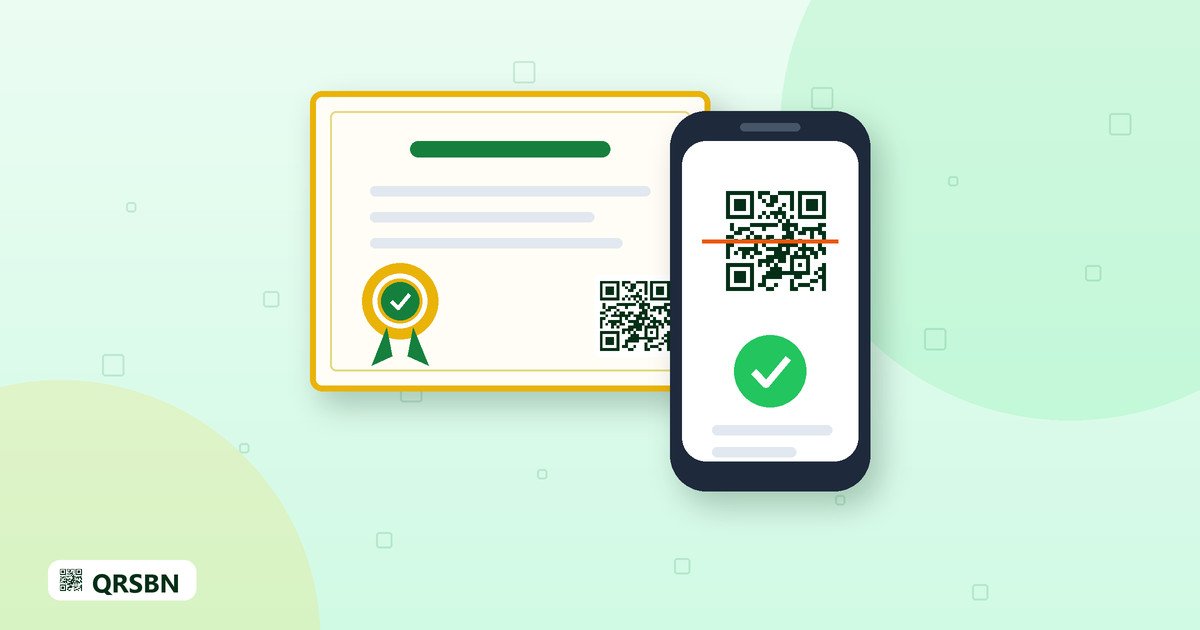
The quickest way is to open your phone's built-in camera app and point it at the QRSBN QR Code on the book. Most phones will show a link to the book's data page. Tap the link to open it.

2. Use the Scan QR page on qrsbn.org

Open qrsbn.org and choose the Scan QR page. Allow camera access, then point the camera at the QR Code. If no camera is available or the QR Code is hard to read, for example because the print is damaged, you can type the QRSBN number manually on the same page.

3. Look it up on the Search page

The Search page lets you find a book by title, author, publisher or QRSBN number. This is useful when you only know part of the information, or when you want to see other titles from the same publisher.

Compare the data with the book in your hands

Once the book's data page is open, check the following:

  • Do the title and author's name match exactly what is printed in the book?
  • Does the publisher's name match the one on the cover and copyright page?
  • Is the year of publication the same?
  • Is the QRSBN number on screen the same as the number printed in the book?

If everything matches, you have solid grounds to believe the book is registered by its publisher.

If the data is not found or does not match

Do not jump to the conclusion that the book is fake. Work through these steps in order:

  1. Check the number again. A single wrong digit is enough to return no result.
  2. Try searching by title or author on the Search page.
  3. Contact the book's publisher and ask about its registration status.
  4. If you still have doubts, report it to the QRSBN team at info@qrsbn.org, including the book title, the printed number and a photo of the cover or copyright page.

Who should make this check a habit?

  • Readers, before buying from a seller they do not know.
  • Libraries and schools, when receiving purchased or donated books.
  • Bookstores and resellers, when taking stock from a new supplier.
  • Authors, to make sure their work's data is displayed correctly.
Tip: before buying in large quantities, for example for a library collection, keep a photo of the QR Code and the copyright page so that checking and reporting are easier.

Frequently asked questions

Do I need to install a special app?

No. An ordinary phone camera or the Scan QR page on qrsbn.org is enough. You can also type the QRSBN number manually.

Do I need an account to check a book?

Checking is meant for anyone who wants to confirm a book's data. Simply open the Scan QR or Search page.

The site is showing a language I do not read. How do I change it?

qrsbn.org is available in Indonesian and English. The language is chosen automatically, and you can switch it using the globe icon.

Closing

Verifying a book with QRSBN takes just one scan or a few taps. This simple habit helps readers get legitimate books and helps publishers protect their work. Visit qrsbn.org to try the Scan QR page, and contact info@qrsbn.org if you come across data that seems questionable.