Logo
QRSBN QR Code Standard Book Number
Semua Berita | Pengumuman 01 Nov 2026, 12:17 5x dilihat

Kartu Anggota Penerbit QRSBN: Identitas Resmi yang Bisa Diverifikasi

Penerbit yang sudah disetujui kini dapat mengunduh dan mencetak Kartu Anggota Penerbit QRSBN, lengkap dengan ID anggota, status akreditasi, dan QR verifikasi yang dapat dicek siapa saja.

Dalam kerja sama penerbitan, kepercayaan sering dimulai dari pertanyaan sederhana: apakah penerbit ini benar terdaftar? Untuk menjawabnya dengan mudah, QRSBN menghadirkan Kartu Anggota Penerbit, identitas resmi bagi setiap penerbit yang keanggotaannya sudah disetujui. Kartu ini dapat diunduh, dicetak, dan diverifikasi oleh siapa saja melalui QR di sisi belakangnya. Artikel ini membahas isi kartu, cara mendapatkannya, dan cara memverifikasinya.

Siapa yang mendapatkan kartu?

Kartu Anggota tersedia untuk penerbit yang pendaftarannya sudah disetujui oleh QRSBN. Setelah masuk ke akun penerbit, Anda dapat membuka menu Kartu Anggota dari menu Layanan maupun dari menu profil.

Bentuk dan ukuran kartu

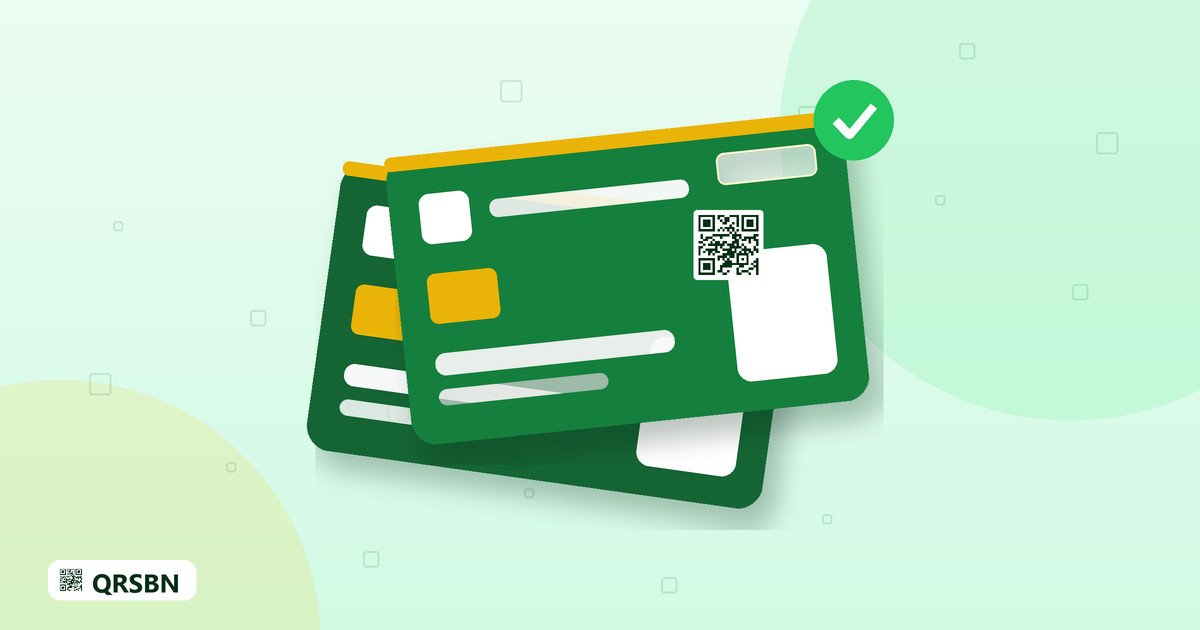
Kartu dirancang seukuran kartu ATM, yaitu 85,6 × 54 mm, sehingga praktis disimpan di dompet atau tempat kartu nama. Kartu memiliki dua sisi dengan fungsi yang berbeda.

Sisi depan

  • Logo dan nama QRSBN serta tulisan Kartu Anggota Penerbit.
  • Ilustrasi chip, seperti pada kartu pada umumnya.
  • ID anggota dengan format QRSBN-XXXX. Bagian XXXX adalah kode penerbit, yang sama dengan bagian kedua nomor QRSBN pada buku-buku Anda (pola 62-XXXX-XXXXX-X).
  • Tahun mulai terdaftar sebagai anggota.
  • Nama penerbit, kategori lembaga, dan domisili (kota dan provinsi).
  • Lencana status akreditasi, misalnya "Belum Terakreditasi" bagi penerbit yang belum memperoleh akreditasi. Status ini ditetapkan oleh admin QRSBN dan dapat disertai masa berlaku.
  • Logo penerbit. Bila logo belum diunggah, kartu menampilkan inisial nama penerbit.

Sisi belakang

  • Pita magnetik sebagai elemen desain kartu.
  • Panel tanda tangan pemilik, yang diambil dari tanda tangan yang Anda unggah.
  • Pernyataan bahwa kartu tidak dapat dipindahtangankan.
  • Kontak QRSBN.
  • QR verifikasi yang mengarah ke halaman verifikasi resmi.

Cara mengunduh dan mencetak kartu

  1. Masuk ke akun penerbit di qrsbn.org.
  2. Lengkapi logo dan tanda tangan terlebih dahulu di menu Ubah Identitas agar kartu tampil lengkap.
  3. Buka menu Kartu Anggota.
  4. Pilih format unduhan: PNG untuk hasil paling tajam, atau JPG untuk ukuran berkas yang lebih kecil.
  5. Pilih sisi yang ingin diunduh: depan, belakang, atau keduanya. Gambar dihasilkan dalam resolusi tinggi, sekitar 1.680 piksel.
  6. Bila ingin mencetak, gunakan pilihan Cetak/Simpan PDF. Cetak secara bolak-balik, lalu potong mengikuti ukuran kartu.

Untuk hasil cetak yang rapi, gunakan kertas tebal atau bahan kartu, dan periksa kembali posisi sisi depan dan belakang sebelum mencetak dalam jumlah banyak.

Bagaimana kartu diverifikasi?

Siapa pun, misalnya penulis, mitra percetakan, toko buku, atau lembaga lain, dapat memindai QR di sisi belakang kartu dengan kamera ponsel. QR tersebut membuka halaman verifikasi resmi QRSBN yang menampilkan:

  • status kartu, apakah valid dan keanggotaannya aktif;
  • nama penerbit dan ID anggota;
  • status akreditasi;
  • kategori lembaga dan domisili.

Kode QR pada kartu dilindungi sehingga tidak dapat ditebak atau dibuat sembarangan. Bila keanggotaan penerbit sudah tidak aktif, halaman verifikasi akan menandainya. Dengan begitu, pihak yang memeriksa selalu melihat informasi terkini, bukan sekadar data yang tercetak di kartu.

Manfaat kartu dalam kegiatan sehari-hari

  • Memperkenalkan diri dengan ringkas. Tunjukkan kartu saat bertemu calon penulis, mitra percetakan, atau panitia pameran buku.
  • Melengkapi korespondensi. Lampirkan gambar kartu dalam surat penawaran kerja sama atau proposal agar penerima dapat memeriksa keanggotaan Anda.
  • Memudahkan pemeriksaan. Pihak lain tidak perlu menghubungi QRSBN untuk bertanya, cukup memindai QR di sisi belakang.

Dua bahasa

Kartu dan halaman verifikasi tersedia dalam bahasa Indonesia dan bahasa Inggris. Fitur ini memudahkan penerbit yang bekerja sama dengan mitra dari luar negeri.

Pertanyaan yang sering diajukan

Mengapa kartu saya hanya menampilkan inisial, bukan logo?

Logo penerbit belum diunggah. Buka menu Ubah Identitas, unggah logo, lalu buka kembali menu Kartu Anggota.

Apa arti status "Belum Terakreditasi"?

Status ini berarti penerbit belum memperoleh akreditasi. Status akreditasi ditetapkan oleh admin QRSBN dan akan diperbarui di kartu serta halaman verifikasi bila ada perubahan.

Apakah kartu boleh dipakai oleh pihak lain?

Tidak. Kartu tidak dapat dipindahtangankan dan hanya berlaku bagi penerbit yang namanya tercantum di kartu.

Apakah kartu cetak perlu dicetak ulang bila status berubah?

Halaman verifikasi selalu menampilkan status terbaru. Meski begitu, sebaiknya unduh dan cetak ulang kartu agar informasi yang tercetak tetap sesuai.

Penutup

Kartu Anggota Penerbit membantu Anda menunjukkan identitas resmi secara ringkas dan dapat diperiksa kapan saja. Lengkapi logo dan tanda tangan, unduh kartu Anda, dan gunakan saat menjalin kerja sama. Kunjungi qrsbn.org untuk masuk ke akun penerbit, atau hubungi info@qrsbn.org bila ada pertanyaan.
English Translation

QRSBN Publisher Member Card: An Official Identity Anyone Can Verify

Approved publishers can now download and print the QRSBN Publisher Member Card, complete with a member ID, accreditation status and a verification QR that anyone can check.

In publishing partnerships, trust often starts with a simple question: is this publisher really registered? To answer it easily, QRSBN offers the Publisher Member Card, an official identity for every publisher whose membership has been approved. The card can be downloaded, printed and verified by anyone through the QR on its back. This article covers what the card contains, how to get it and how to verify it.

Who gets the card?

The Member Card is available to publishers whose registration has been approved by QRSBN. After signing in to your publisher account, open the Member Card menu from either the Services menu or the profile menu.

Card design and size

The card is designed at bank-card size, 85.6 × 54 mm, so it fits easily in a wallet or business card holder. It has two sides, each with a different purpose.

Front

  • The QRSBN logo and name, with the words Publisher Member Card.
  • A chip illustration, as on most cards.
  • The member ID in the format QRSBN-XXXX. The XXXX part is the publisher code, the same as the second part of the QRSBN numbers on your books (pattern 62-XXXX-XXXXX-X).
  • The year the publisher first registered as a member.
  • The publisher name, institution category and location (city and province).
  • An accreditation status badge, for example "Not Yet Accredited" for publishers that have not been accredited. This status is set by the QRSBN admin and may include a validity period.
  • The publisher logo. If no logo has been uploaded yet, the card shows the publisher's initials.

Back

  • A magnetic stripe as part of the card design.
  • The holder's signature panel, taken from the signature you uploaded.
  • A statement that the card is non-transferable.
  • QRSBN contact details.
  • A verification QR that leads to the official verification page.

How to download and print the card

  1. Sign in to your publisher account at qrsbn.org.
  2. First complete your logo and signature in the Edit Identity menu so the card looks complete.
  3. Open the Member Card menu.
  4. Choose a download format: PNG for the sharpest result, or JPG for a smaller file size.
  5. Choose which side to download: front, back or both. Images are produced in high resolution, about 1,680 pixels.
  6. To print, use the Print/Save PDF option. Print double-sided, then trim along the card size.

For a neat print, use thick paper or card stock, and double-check the alignment of the front and back before printing many copies.

How is the card verified?

Anyone, such as authors, printing partners, bookstores or other institutions, can scan the QR on the back of the card with a phone camera. The QR opens QRSBN's official verification page, which shows:

  • the card status, including whether it is valid and the membership is active;
  • the publisher name and member ID;
  • the accreditation status;
  • the institution category and location.

The QR code on the card is protected, so it cannot be guessed or generated at random. If a publisher's membership is no longer active, the verification page will flag it. This way, whoever checks the card always sees up-to-date information, not just the data printed on it.

Everyday uses for the card

  • Introducing yourself briefly. Show the card when meeting prospective authors, printing partners or book fair organisers.
  • Supporting your correspondence. Attach an image of the card to partnership offers or proposals so the recipient can check your membership.
  • Making checks easy. Others do not need to contact QRSBN to ask; they simply scan the QR on the back.

Two languages

The card and the verification page are available in Indonesian and English. This makes things easier for publishers who work with partners abroad.

Frequently asked questions

Why does my card show initials instead of a logo?

Your publisher logo has not been uploaded yet. Open the Edit Identity menu, upload your logo, then open the Member Card menu again.

What does "Not Yet Accredited" mean?

It means the publisher has not yet been accredited. Accreditation status is set by the QRSBN admin and will be updated on the card and the verification page when it changes.

Can someone else use my card?

No. The card is non-transferable and applies only to the publisher named on it.

Do I need to reprint the card if my status changes?

The verification page always shows the latest status. Even so, it is a good idea to download and reprint the card so the printed information stays accurate.

Conclusion

The Publisher Member Card helps you present your official identity in a compact form that can be checked at any time. Complete your logo and signature, download your card and use it when building partnerships. Visit qrsbn.org to sign in to your publisher account, or contact info@qrsbn.org if you have any questions.