Logo
QRSBN QR Code Standard Book Number
Semua Berita | Tips 01 Nov 2026, 08:17 2x dilihat

Langkah Mengajukan Nomor QRSBN untuk Buku Baru

Dari menyiapkan data buku dan berkas pendukung hingga mengunduh nomor, QR Code, dan KDT: begini alur lengkap pengajuan nomor QRSBN melalui menu Daftar QRSBN di dasbor penerbit.

Setiap buku yang akan diterbitkan, baik dalam bentuk cetak maupun e-book, dapat diberi nomor QRSBN. Pengajuannya dilakukan secara daring dari akun penerbit melalui menu Daftar QRSBN. Agar permohonan cepat diproses dan tidak bolak-balik diperbaiki, ada baiknya Anda memahami alurnya dari awal hingga akhir. Artikel ini menguraikan persiapan, pengisian formulir, pemantauan status, sampai hasil yang Anda terima setelah buku tervalidasi.

Sebelum mulai: pastikan akun penerbit siap

Pengajuan nomor hanya dapat dilakukan oleh penerbit yang sudah terdaftar dan terverifikasi. Pastikan juga profil penerbit Anda sudah lengkap, karena profil yang belum lengkap membuat layanan belum dapat digunakan.

Langkah 1: Siapkan data buku

Kumpulkan data buku sebelum membuka formulir. Data yang diminta meliputi:

  • judul buku dan nama penulis;
  • subjek, edisi, dan seri (bila buku merupakan bagian dari seri);
  • tahun dan bulan terbit;
  • jumlah halaman dan tinggi buku dalam sentimeter;
  • kelompok pembaca, jenis pustaka, dan kategori buku;
  • media terbitan: cetak atau e-book/PDF;
  • kota dan provinsi terbit;
  • distributor;
  • deskripsi dan sinopsis;
  • tautan buku, bila ada (opsional);
  • pilihan pengajuan Katalog Dalam Terbitan (KDT).

Data ini tidak hanya dipakai untuk memproses permohonan. Sebagian di antaranya akan tampil di halaman data publik buku dan menjadi bahan penyusunan KDT, sehingga ketelitian sejak awal sangat membantu.

Menulis deskripsi dan sinopsis yang baik

Deskripsi dan sinopsis membantu calon pembaca memahami isi buku. Tulis dengan kalimat yang jelas dan langsung ke pokok bahasan. Untuk deskripsi, jelaskan secara singkat apa isi buku dan untuk siapa buku itu ditulis. Untuk sinopsis, ringkas alur cerita atau garis besar pembahasan tanpa membocorkan seluruh isi. Hindari menyalin kata pengantar secara utuh, dan periksa ejaan sebelum mengirim.

Pilih juga subjek, kategori, dan kelompok pembaca yang paling sesuai. Pilihan yang tepat memudahkan buku ditemukan melalui halaman Pencarian dan membantu penyusunan KDT.

Langkah 2: Siapkan berkas pendukung

Permohonan perlu dilengkapi lampiran. Contoh berkas yang umum diminta antara lain:

  • surat permohonan yang ditandatangani pimpinan lembaga dan dibubuhi stempel;
  • surat pernyataan keaslian karya.

Simpan berkas dalam format yang jelas terbaca dan beri nama file yang mudah dikenali, misalnya memuat judul buku.

Langkah 3: Isi formulir Daftar QRSBN

  1. Masuk ke akun penerbit di qrsbn.org.
  2. Buka menu Daftar QRSBN.
  3. Isi data buku sesuai yang telah Anda siapkan.
  4. Tentukan apakah Anda mengajukan KDT untuk buku tersebut.
  5. Unggah berkas pendukung.
  6. Periksa ulang, terutama ejaan judul dan nama penulis, lalu kirim permohonan.

Langkah 4: Pantau status di dasbor

Setelah dikirim, permohonan dapat dipantau dari dasbor penerbit. Ada tiga status yang perlu Anda kenali:

  • Permohonan diproses: data sedang diperiksa.
  • Tervalidasi: permohonan disetujui dan hasilnya siap diunduh.
  • Bermasalah: ada data atau berkas yang perlu diperbaiki. Alasannya dicantumkan agar Anda tahu bagian mana yang harus dibenahi.

Anda akan menerima notifikasi setiap kali status berubah, sehingga tidak perlu terus-menerus membuka dasbor.

Langkah 5: Unduh hasilnya

Setelah buku tervalidasi, Anda memperoleh:

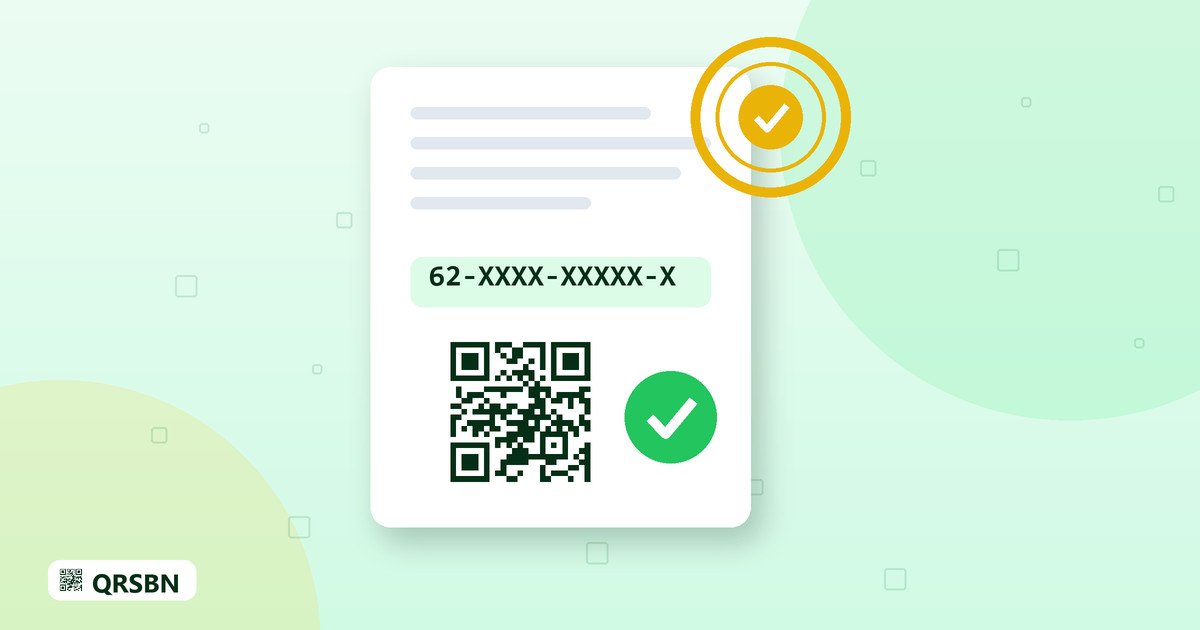
  • Nomor QRSBN dengan pola seperti 62-XXXX-XXXXX-X, yang terdiri atas kode negara penerbit, kode penerbit empat digit, nomor urut buku, dan digit akhir;
  • QR Code berlogo yang dapat diunduh untuk dicetak;
  • KDT dalam format gambar JPG dan PDF.

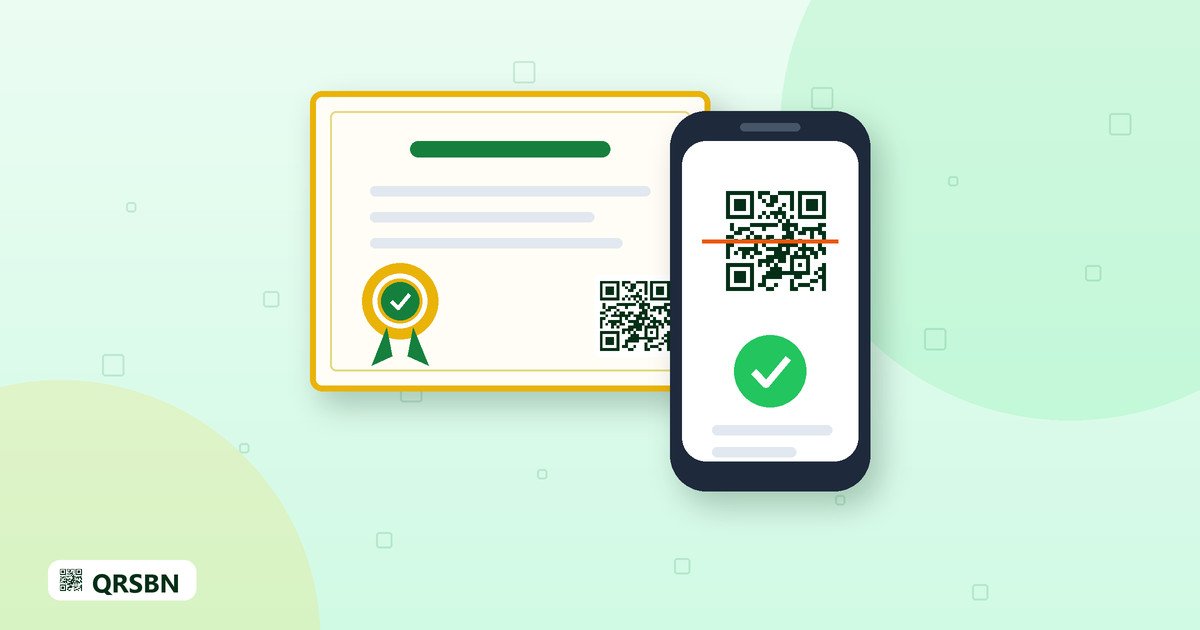
Buku Anda juga memiliki halaman data publik sendiri. Siapa pun yang memindai QR Code akan diarahkan ke halaman tersebut dan dapat melihat judul, penulis, penerbit, tahun terbit, dan nomor QRSBN.

Kesalahan umum yang sebaiknya dihindari

  • Ejaan judul atau nama penulis berbeda dengan yang tercetak di naskah.
  • Tinggi buku diisi dalam satuan selain sentimeter.
  • Berkas pendukung buram, terpotong, atau belum bertanda tangan.
  • Media terbitan tidak sesuai, misalnya buku cetak dipilih sebagai e-book.
Tips: ajukan nomor QRSBN sebelum naskah masuk tahap cetak atau sebelum berkas e-book difinalkan, agar QR Code dan KDT dapat ditempatkan dengan rapi di sampul atau halaman hak cipta.

Pertanyaan yang sering diajukan

Apakah e-book bisa mendapatkan nomor QRSBN?

Bisa. Pada formulir, pilih media e-book/PDF. Buku cetak dan e-book sama-sama dapat diajukan.

Status permohonan saya bermasalah. Apa yang harus dilakukan?

Baca alasan yang tercantum, perbaiki data atau berkas yang dimaksud, lalu kirim kembali. Notifikasi akan memberi tahu Anda bila status berubah.

Di mana sebaiknya QR Code dicetak?

Umumnya di sampul belakang atau di halaman hak cipta. Pastikan ukurannya cukup besar dan kontrasnya jelas agar mudah dipindai.

Penutup

Dengan data yang lengkap dan berkas yang rapi, pengajuan nomor QRSBN dapat berjalan lancar dari awal sampai akhir. Masuk ke akun penerbit Anda di qrsbn.org untuk memulai pengajuan, dan hubungi info@qrsbn.org bila ada pertanyaan seputar formulir atau status permohonan.
English Translation

Steps to Apply for a QRSBN Number for a New Book

From preparing the book data and supporting files to downloading the number, QR Code and KDT: this is the complete flow for applying for a QRSBN number through the Register QRSBN menu in the publisher dashboard.

Every book you are about to publish, whether in print or as an e-book, can be given a QRSBN number. Applications are made online from your publisher account through the Register QRSBN menu. To have your application processed quickly without repeated corrections, it helps to understand the whole flow from start to finish. This article covers preparation, filling in the form, tracking the status, and what you receive once the book is validated.

Before you start: make sure your publisher account is ready

Only registered and verified publishers can apply for numbers. Also make sure your publisher profile is complete, because services cannot be used until the profile is complete.

Step 1: Prepare the book data

Gather the book data before opening the form. The requested data includes:

  • the book title and author names;
  • subject, edition and series (if the book is part of a series);
  • year and month of publication;
  • number of pages and book height in centimetres;
  • reader group, type of material and book category;
  • publication medium: print or e-book/PDF;
  • city and province of publication;
  • distributor;
  • description and synopsis;
  • a link to the book, if available (optional);
  • whether you are requesting Cataloguing in Publication (KDT).

This data is not only used to process the application. Some of it appears on the book's public data page and is used to compile the KDT, so being careful from the start pays off.

Writing a good description and synopsis

The description and synopsis help potential readers understand what the book is about. Write in clear sentences and get straight to the point. For the description, briefly explain what the book contains and who it is written for. For the synopsis, summarise the storyline or the main outline of the discussion without giving everything away. Avoid copying the preface word for word, and check the spelling before submitting.

Also choose the subject, category and reader group that fit best. The right choices make the book easier to find through the Search page and help when the KDT is compiled.

Step 2: Prepare the supporting files

Your application needs attachments. Commonly requested examples include:

  • an application letter signed by the head of the institution and stamped;
  • a statement of the work's originality.

Save the files in a clearly readable format and give them recognisable names, for example including the book title.

Step 3: Fill in the Register QRSBN form

  1. Sign in to your publisher account on qrsbn.org.
  2. Open the Register QRSBN menu.
  3. Enter the book data you prepared.
  4. Indicate whether you are requesting a KDT for the book.
  5. Upload the supporting files.
  6. Review everything, especially the spelling of the title and author names, then submit the application.

Step 4: Track the status on your dashboard

Once submitted, the application can be followed from your publisher dashboard. There are three statuses to know:

  • Application in process: the data is being reviewed.
  • Validated: the application has been approved and the results are ready to download.
  • Needs attention: some data or files need to be corrected. The reason is shown so you know exactly what to fix.

You receive a notification every time the status changes, so there is no need to keep checking the dashboard.

Step 5: Download the results

Once the book is validated, you receive:

  • the QRSBN number, following a pattern such as 62-XXXX-XXXXX-X, made up of the publisher country code, a four-digit publisher code, the book sequence number and a final digit;
  • a QR Code with a logo that you can download for printing;
  • the KDT as a JPG image and a PDF.

Your book also gets its own public data page. Anyone who scans the QR Code is taken to that page and can see the title, author, publisher, year of publication and QRSBN number.

Common mistakes to avoid

  • The spelling of the title or author name differs from the manuscript.
  • The book height is entered in a unit other than centimetres.
  • Supporting files are blurry, cropped or unsigned.
  • The wrong medium is selected, for example a printed book marked as an e-book.
Tip: apply for the QRSBN number before the manuscript goes to print or before the e-book file is finalised, so the QR Code and KDT can be placed neatly on the cover or copyright page.

Frequently asked questions

Can an e-book get a QRSBN number?

Yes. In the form, choose the e-book/PDF medium. Both printed books and e-books can be submitted.

My application needs attention. What should I do?

Read the reason given, correct the data or file in question, and submit it again. A notification will let you know when the status changes.

Where should the QR Code be printed?

Usually on the back cover or the copyright page. Make sure it is large enough and has clear contrast so it scans easily.

Closing

With complete data and tidy files, a QRSBN application can run smoothly from start to finish. Sign in to your publisher account on qrsbn.org to begin, and contact info@qrsbn.org if you have questions about the form or your application status.