Logo
QRSBN QR Code Standard Book Number
All News | Tips 02 Nov 2026, 02:52 6x views

Cara Memverifikasi Asesor dan Sertifikat Pelatihan QRSBN

Pastikan asesor yang menghubungi Anda benar-benar resmi: pindai QR pada kartu identitas atau sertifikat, atau periksa kodenya di qrsbn.org.

Setiap Asesor QRSBN memiliki kartu identitas dan sertifikat pelatihan elektronik yang dapat diperiksa siapa saja. Penerbit sebaiknya memverifikasi asesor sebelum visitasi atau sebelum menyerahkan dokumen.

Memverifikasi asesor

  1. Minta asesor menunjukkan kartu identitas Asesor QRSBN.
  2. Pindai QR pada kartu dengan kamera ponsel, atau buka halaman Cek Asesor dan masukkan kodenya.
  3. Pastikan nama dan foto sesuai serta statusnya aktif. Calon Asesor yang belum lulus pelatihan belum dapat ditugaskan.

Memverifikasi sertifikat pelatihan

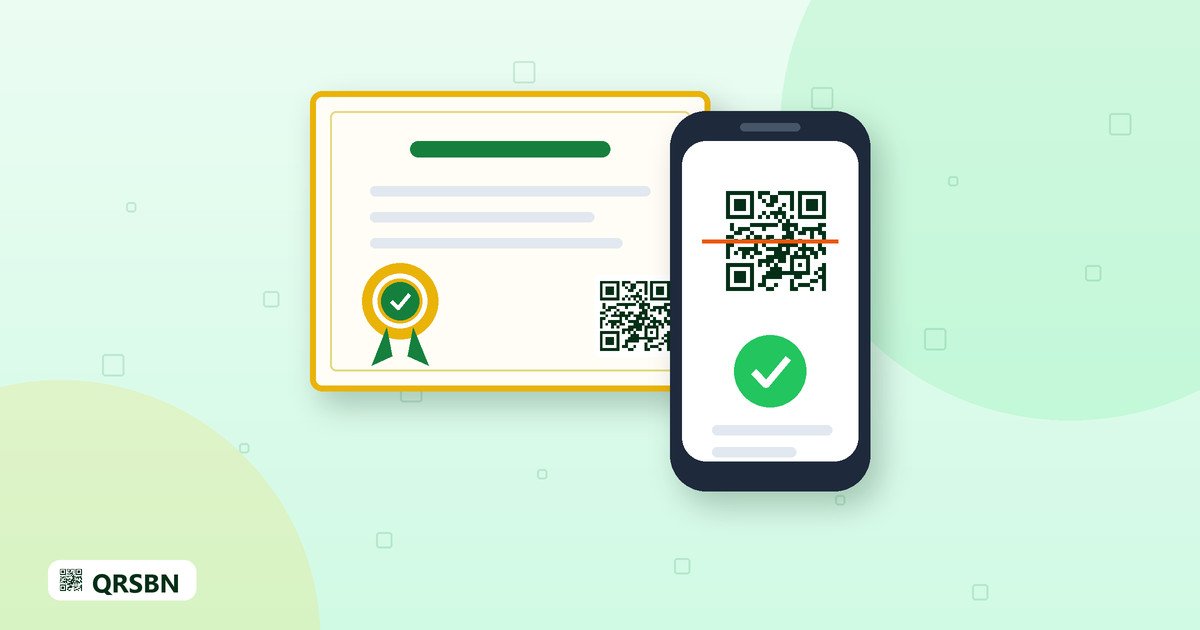
  1. Pindai QR pada sertifikat, atau buka halaman Verifikasi Sertifikat.
  2. Masukkan kode verifikasi atau nomor sertifikat.
  3. Cocokkan nama, judul pelatihan, tanggal terbit, dan statusnya. Sertifikat yang dicabut akan tampil tidak berlaku.

Bila ada yang janggal

Jika data tidak ditemukan atau berbeda, jangan serahkan dokumen apa pun dan segera hubungi tim QRSBN melalui info@qrsbn.org. QRSBN tidak pernah meminta pembayaran langsung ke rekening pribadi asesor.

Penerbit Terverifikasi QRSBN bukan akreditasi pemerintah dan tidak menggantikan ISBN.
English Translation

How to Verify a QRSBN Assessor and Training Certificate

Make sure an assessor who contacts you is genuine: scan the QR on their ID card or certificate, or check the code on qrsbn.org.

Every QRSBN Assessor has an ID card and an electronic training certificate that anyone can check. Publishers should verify an assessor before a site visit or before handing over documents.

Verifying an assessor

  1. Ask the assessor to show their QRSBN Assessor ID card.
  2. Scan the QR on the card with your phone camera, or open the Assessor Check page and enter the code.
  3. Make sure the name and photo match and the status is active. Assessor Candidates who have not passed the training cannot be assigned yet.

Verifying a training certificate

  1. Scan the QR on the certificate, or open the Certificate Verification page.
  2. Enter the verification code or the certificate number.
  3. Check the name, course title, issue date and status. A revoked certificate is shown as no longer valid.

If something looks wrong

If nothing is found or the data differs, do not hand over any documents and contact the QRSBN team at info@qrsbn.org. QRSBN never asks for payment to an assessor's personal account.

QRSBN Verified Publisher is not a government accreditation and does not replace the ISBN.